This problem affects any iPhone, iPad, and iPod Touch running version 4.0.0 and 4.0.1 of iOS (formerly iPhone OS). On my iPhone 4, I have experienced this email problem when I read a message from my Inbox and Archive it.
I use Gmail as my mail provider, so when I’m reading messages on my iPhone, to archive a message I actually move the message from Inbox to “All Mail.”
On iOS 4.x.x, I have been seeing blank messages and strange dates from time to time when archiving email messages:
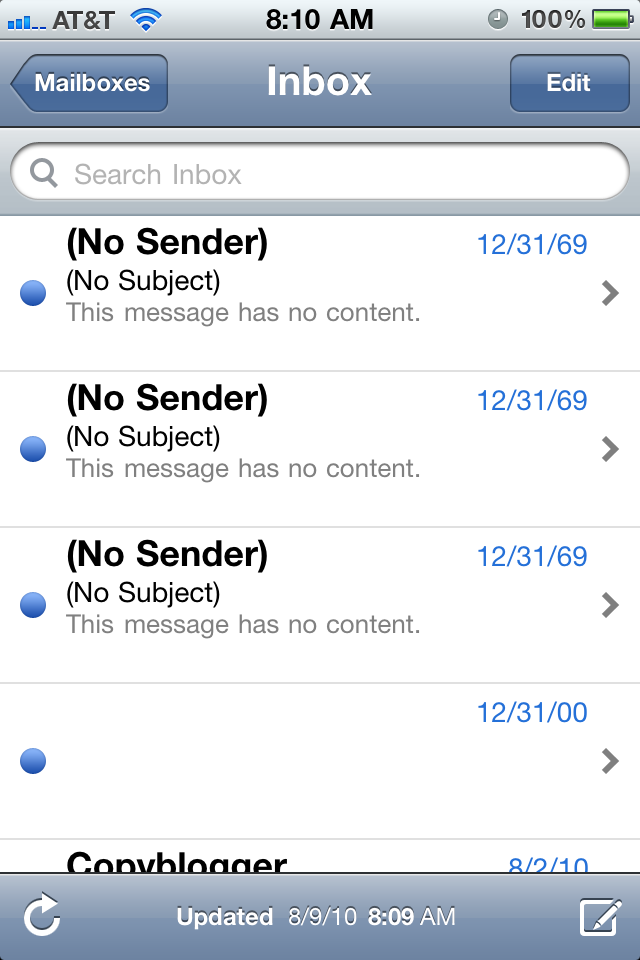
The No Sender No Subject 12/31/69 Problem on iOS 4.x.x
A workaround that I have devised is to back out of the Inbox:
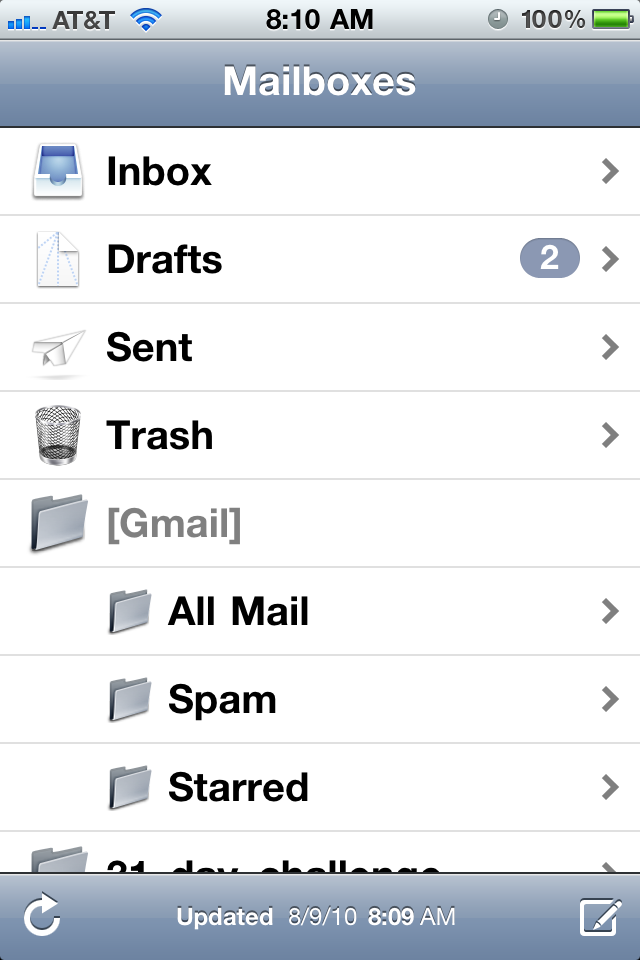
Back out of the Inbox to show all folders
and then go to “All Mail.” Then simply return to your Inbox, and those strange messages are gone:
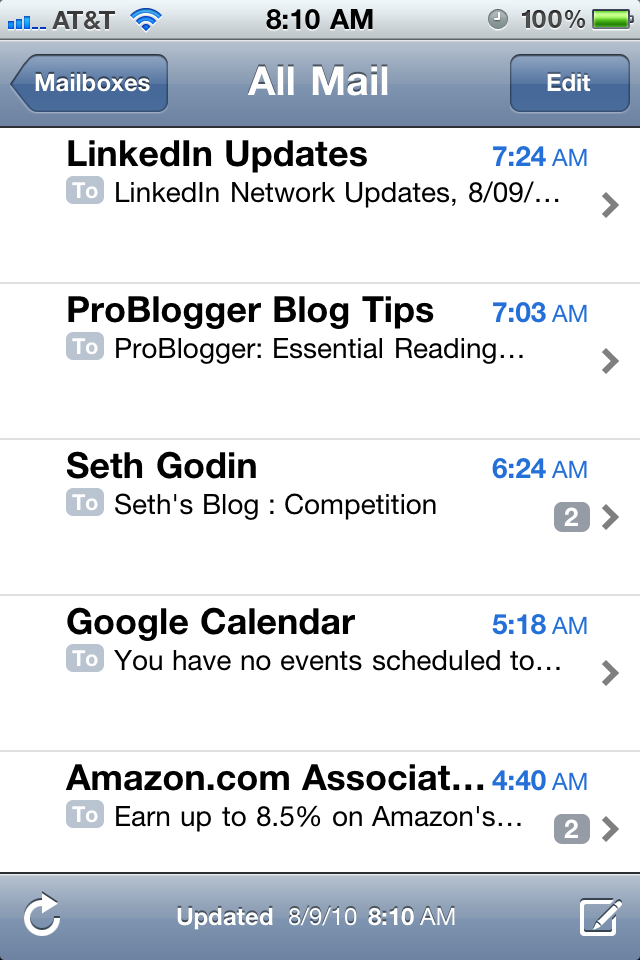
Inbox after the Workaround
That’s it! If you have a workaround or a better solution to permanently fix this problem, please let me know in the comments below.